CardRecovery
Picture Recovery Software - CardRecovery - Screenshots
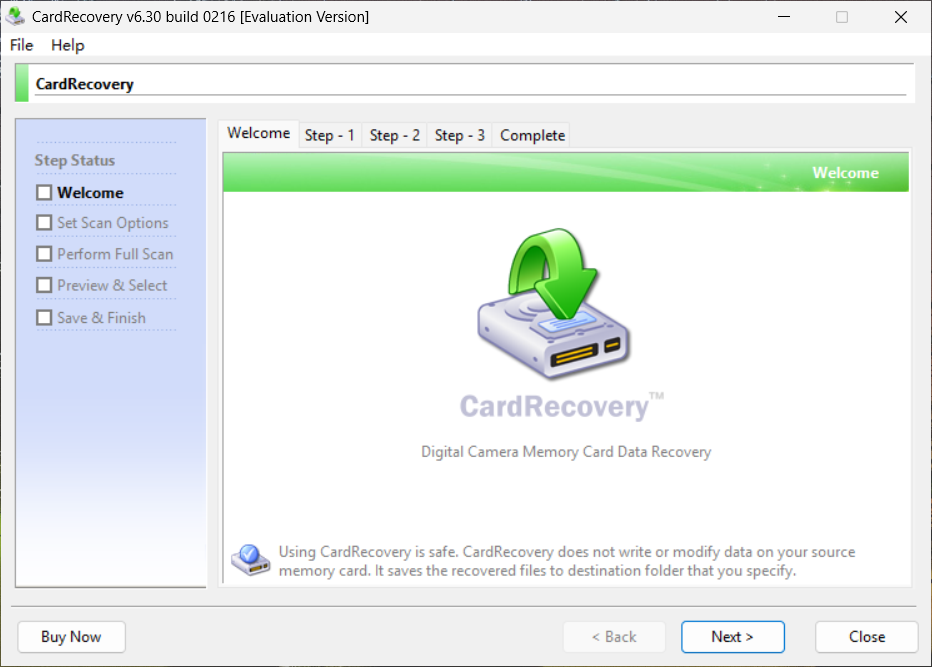
Welcome
CardRecovery has a friendly user interface. It's very easy to use.
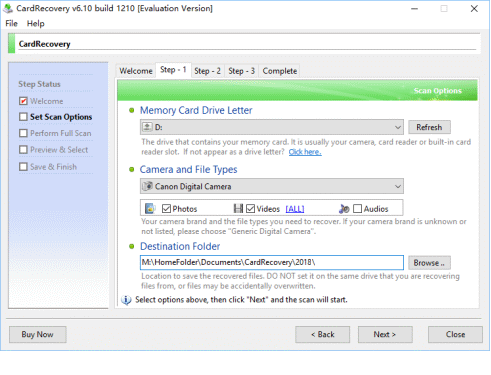
Step 1
Users select the drive letter, camera type and destination folder to save the recovered files.
Step 2
CardRecovery fully scans your memory card. The scan process is very fast and takes ~20 minutes to fully scan a 64 GB SanDisk SD Card in our test.

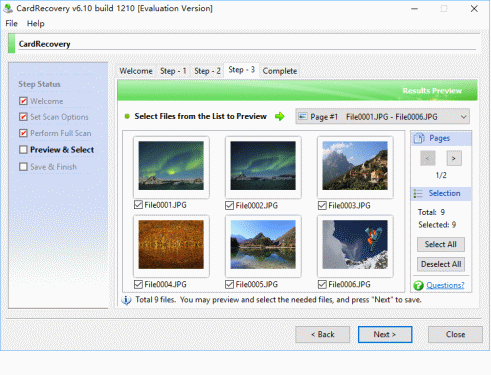
Step 3
CardRecovery allows you to preview and select the needed photos before saving.
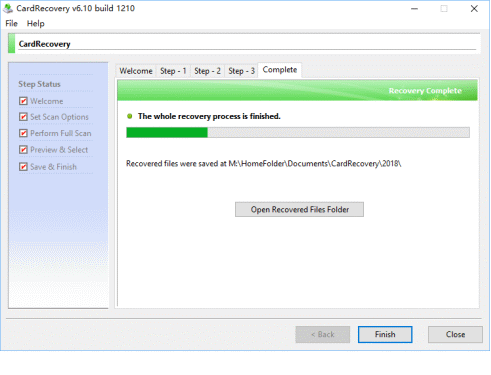
Complete
CardRecovery saves the recovered photos to the destination folder.