 CardRecovery
Memory Card Photo Recovery Software - CardRecovery - Download
Download Free Evaluation Versions — CardRecovery for Windows and CardRescue for macOS.

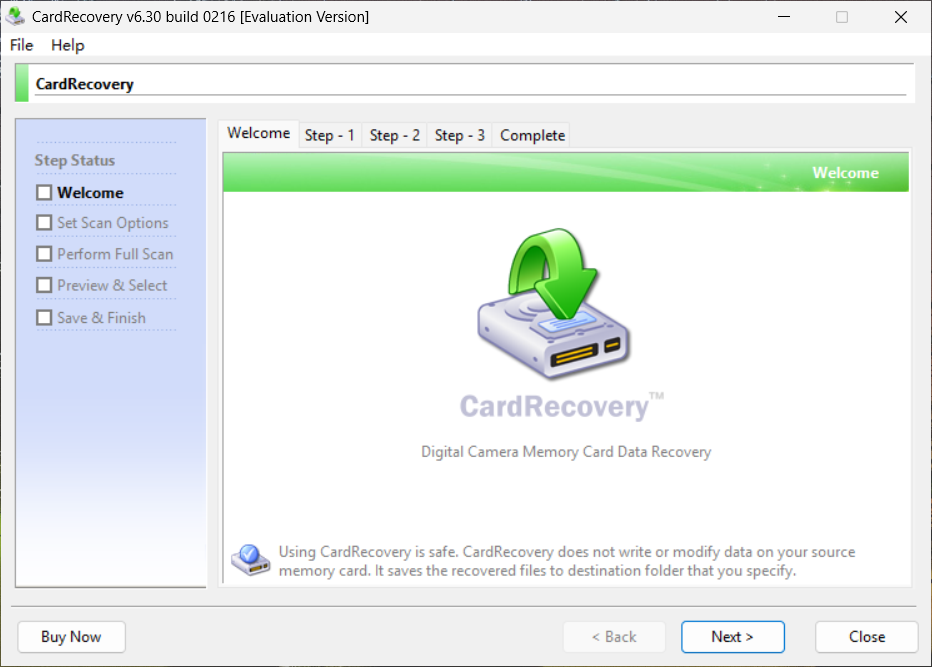

 For Mac - Version: 6.01 Size: 1.1 MBDownload CardRescue
Download and install CardRecovery on your computer.
Connect your camera or card reader to your computer.
Run CardRecovery to scan your memory card and recover the lost pictures.
Important Note
We recommend you download and install CardRecovery on your hard drive. Please never download and install any application on the memory card drive. Writing data, or taking new photos on the memory card that stores the deleted or lost data can overwrite and permanently destroy the files that could otherwise be recovered.
Evaluation Version Features
CardRecovery evaluation version can scan your media and find your lost files. The internal preview feature allows you to view and check the recovered photos before you purchase the software.
CardRecovery evaluation version can be unlocked to full version on the fly after purchase. You don't need to exit or reinstall the program.